Placeholder image
10 days free trial! Use the fully functional app without restrictions!
Download on the App Store

Free trial!

EasyStart Intermittent Fasting

Fully Private Diet Tracker

Easy to use app to start intermittent fasting and see whether it is working for you.

Automatic and manual mode

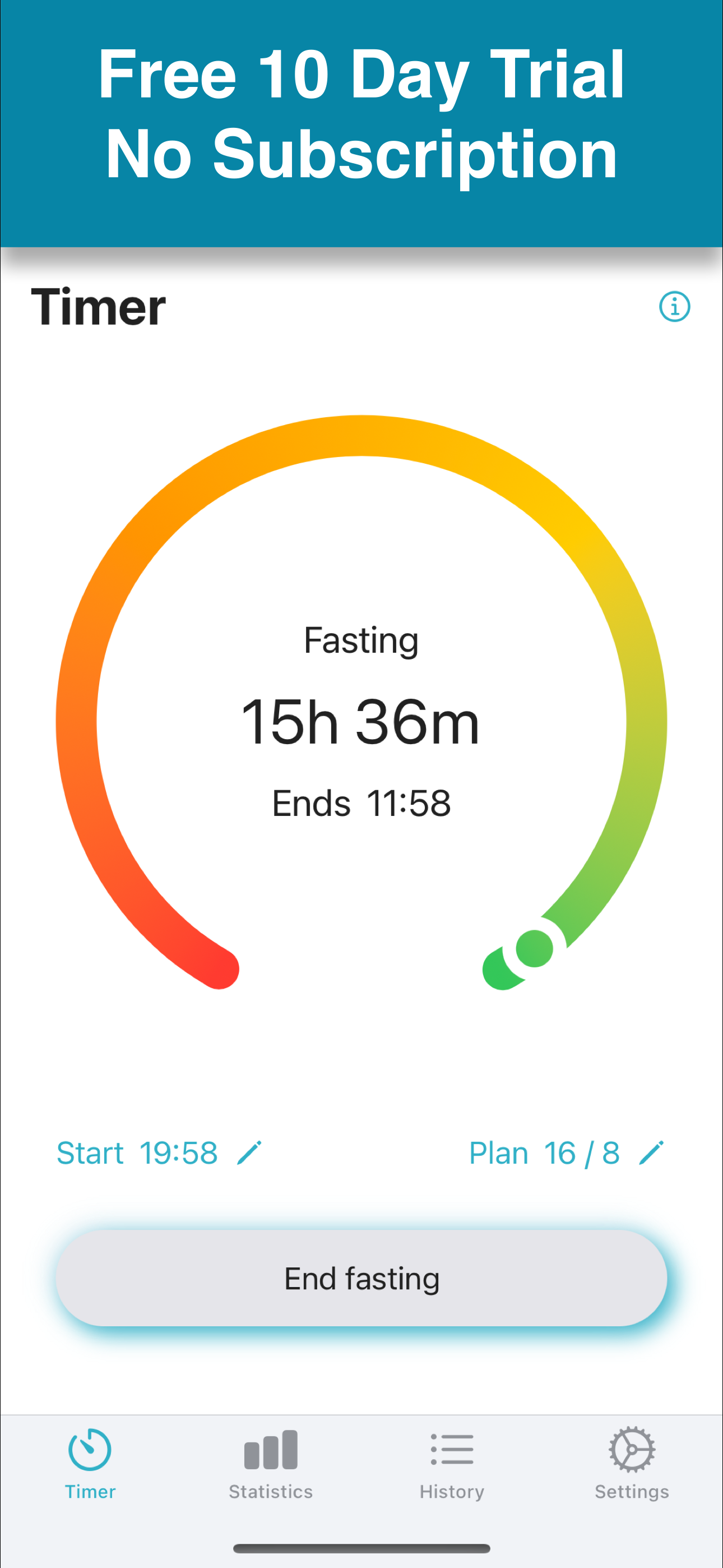
Automatic mode is perfect for you, if you usually start and stop fasting at the same time of the day. Just set your start time and goal and EasyStart will automatically start and stop your fasting periods. If on one day, you start or stop a bit earlier or later, you can easily adjust the start or stop time. In manual mode, you have full control and start and stop your fasting periods individually.

Features

Supports the time restricted eating methods from 14/10 to 20/4 including the popular 16/8 method. No fancy functions, just set your fasting plan, keep fasting and track your success.
Notifications: set a reminder and do not forget to start or end fasting.
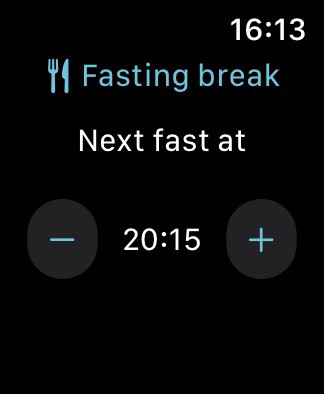
Full Apple Watch support: you can use your watch to start, check and stop your fasts.

Fully private

All your data stays private, it is only stored on your device and for syncing in the iCloud. No tracking or data collection, no login needed!
Automatic Fasting Mode

Perfect if you usually start and stop fasting at the same time of the day

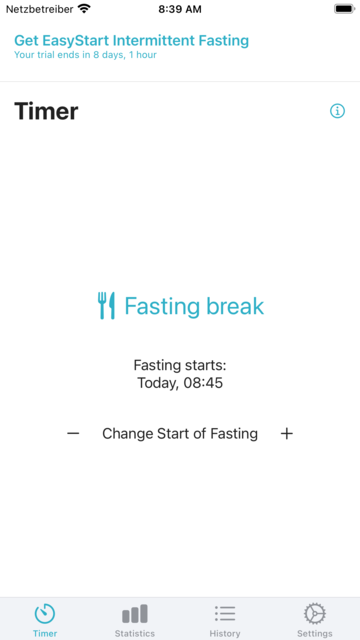
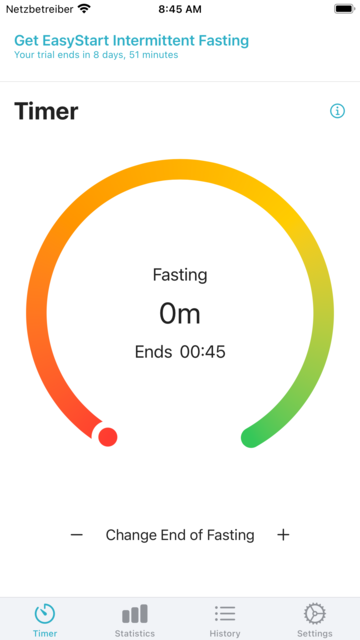
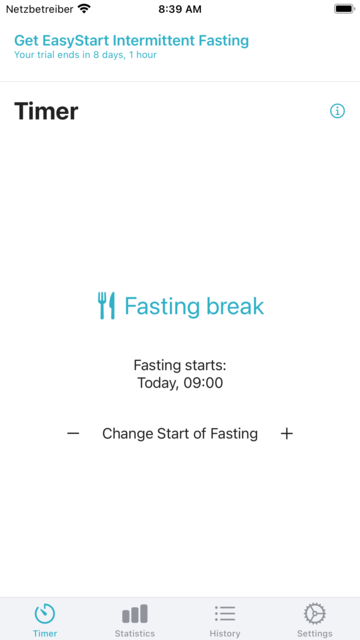
With automatic mode, your fasting starts and ends automatically.

To start a bit earlier or later on a day, move the start time with - and +.

Fasting starts automatically as soon as the start time is reached. You can change the end time with - and +, if you want to stop a bit earlier or later on a day.

Manual Fasting Mode

Full control of your fasting periods

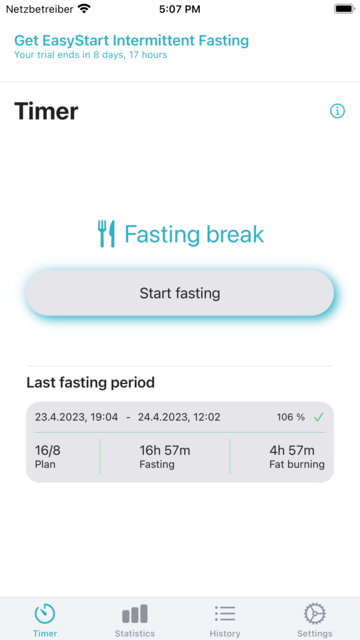
Start Fasting

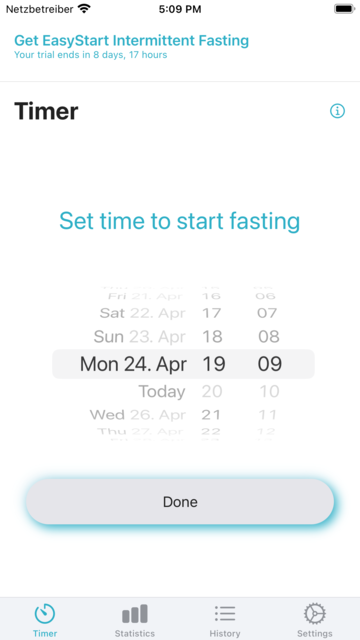
Hit Start fasting to enter your starting time.

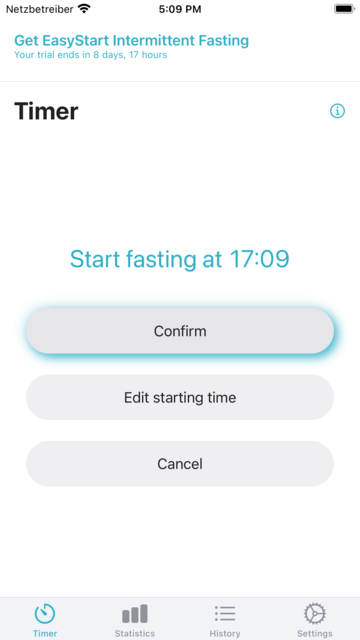
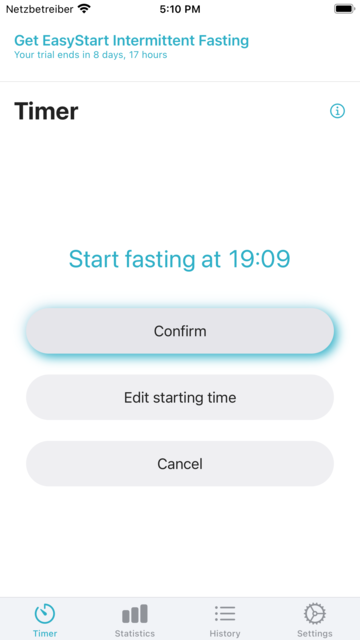
You can change your starting time with Edit starting time.

You can select a start time in the past, not in the future.

Confirm your selected starting time and start fasting.

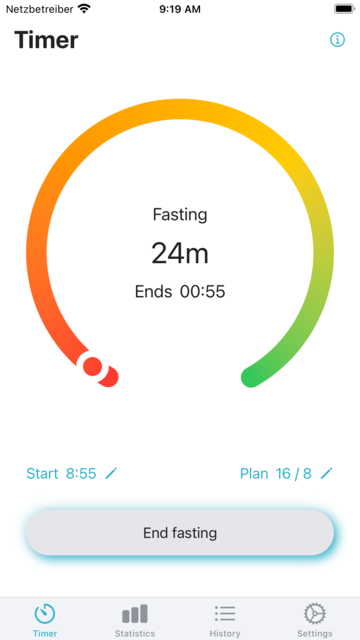
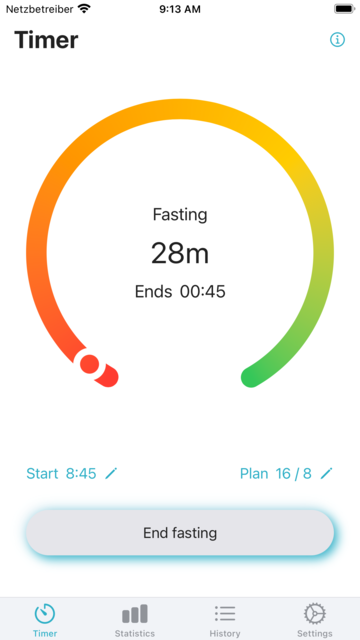
Change Start

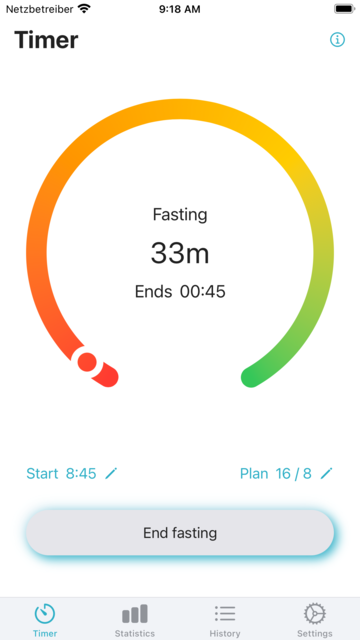
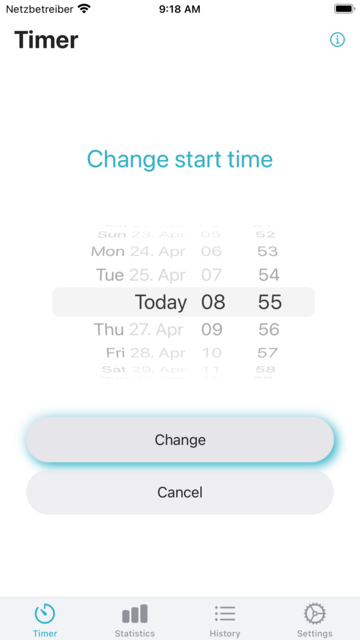
You can change the start time while fasting.

Select the new start time and confirm it.

The change only applies to the current fasting period and does not change the start time set in Settings.

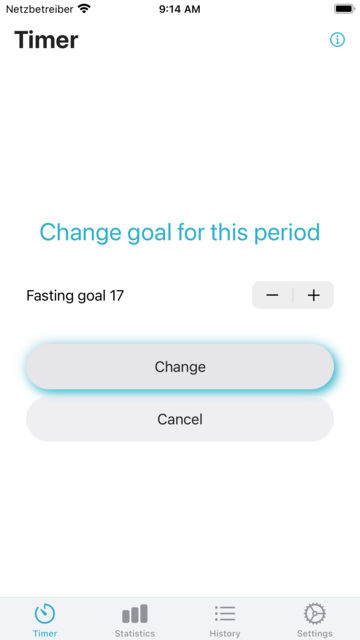
Change Fasting Plan

You can change the fasting plan while fasting.

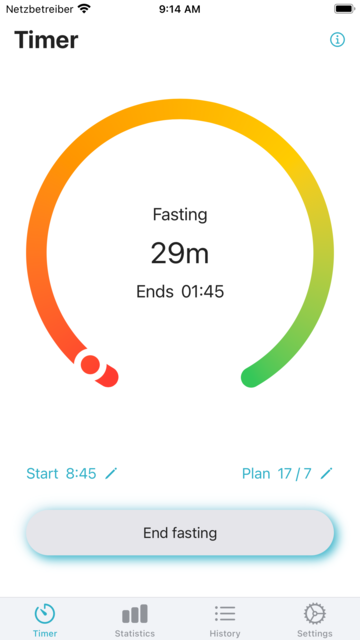
Select the new fasting goal and confirm it.

The change only applies to the current fasting period and does not change the fasting plan set in Settings.

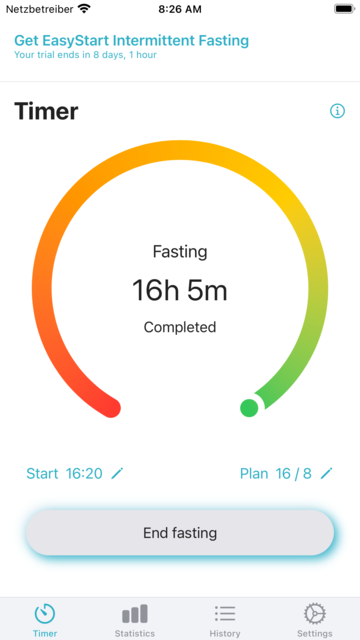
End Fasting

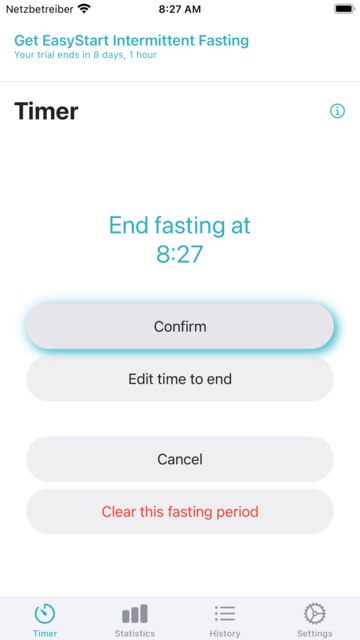
Hit End fasting to enter the time to end fasting.

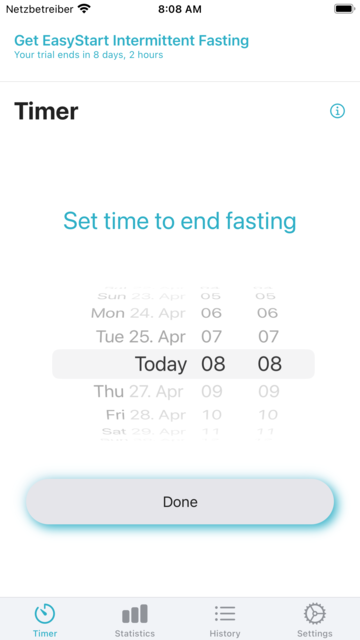
You can change the time to end with Edit time to end.

The selected time may be in the past, but not in the future.

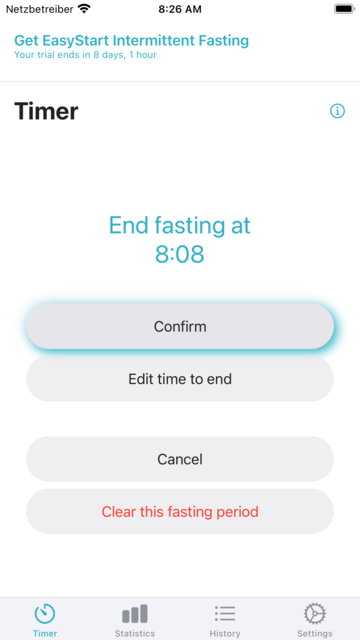
Confirm the selected time to end fasting. You can also clear this fasting period, if you do not want to save it.

Statistics and Settings

How to track your success and configure EasyStart Intermittent Fasting

Track Your Success

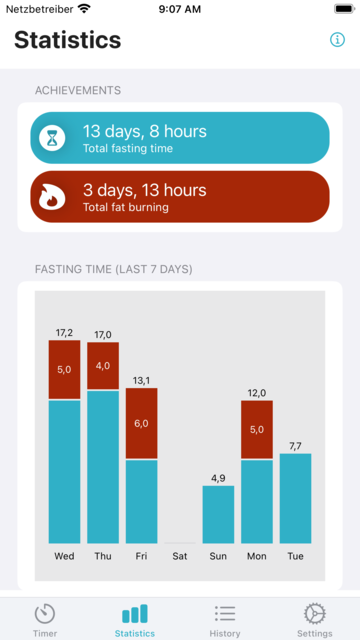
Achievements displays your overall fasting time since your started and the total time of fat burning. Fasting Time displays your overall fasting time for the last 7 days and the amount of fat burning you achieved. If the last fast was more than 7 days ago, nothing is displayed.

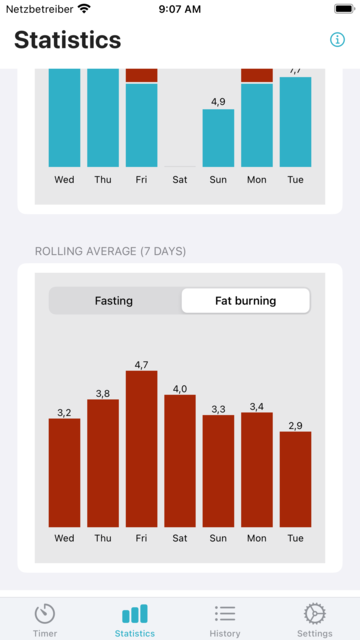
The rolling average is calculated over 7 days for the time fat burning. This is the time that exceeded the 12 hours of digesting. For example, if your fast lasted 15h 30m, 15h 30m are added to fasting and 3h 30m to fat burning total.

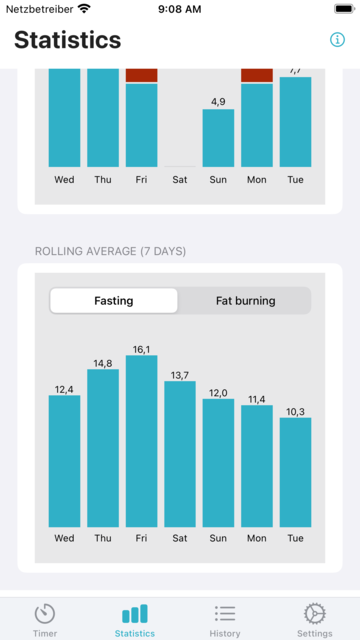
The rolling average is also calculated over 7 days for the fasting time.

History, Settings and Info

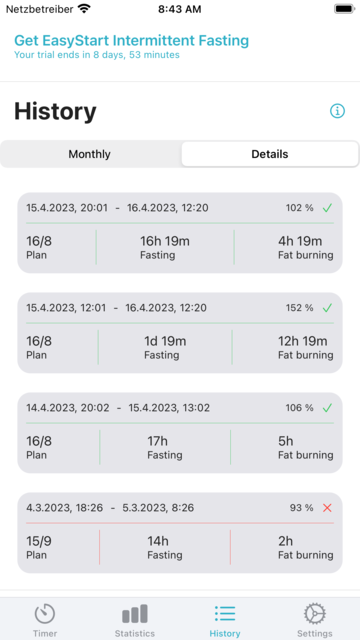
You can check all your finished fasting periods of the current and previous month here in detail. A checkmark indicates that you achieved your fasting goal, a xmark that you missed it.

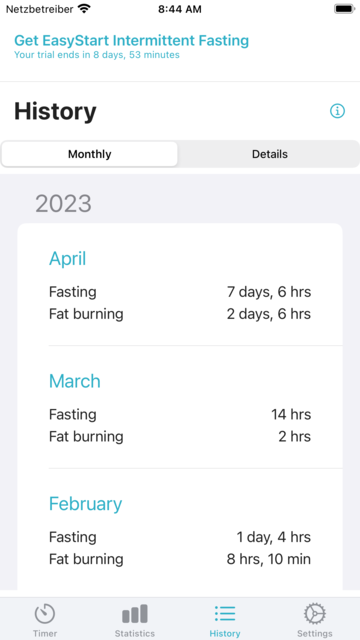
In addition to the detailed view, you can see your fasting and fat burning time by month.

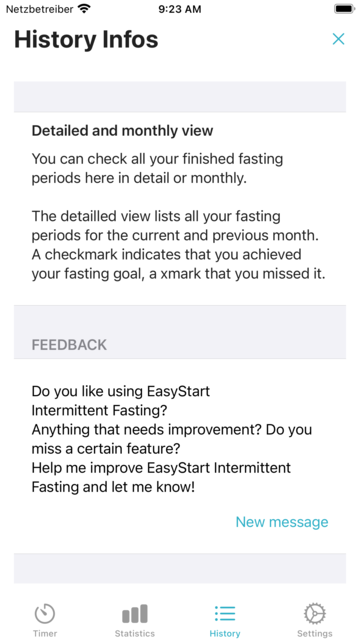
In every view you can use the info icon to get a description of the view. At the end it also contains an e-mail link if you have a question.

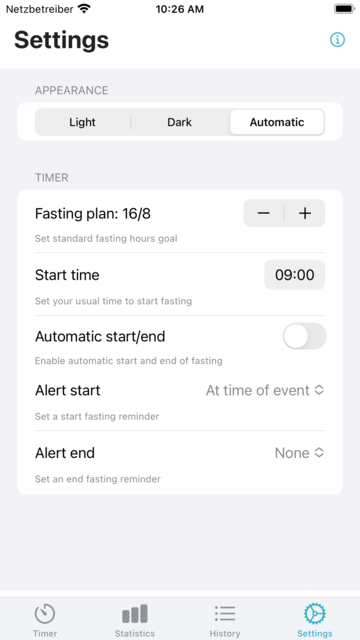
Use Settings to configure your app, for instance set your standard fasting plan.

Apple Watch Support

Start and stop your fasting periods on the watch

Manual mode

Check status and end fasting when it's time.

Adjust the time to end fasting

Start fasting again when it's time.

Check details of your last fast.

Automatic mode and complications

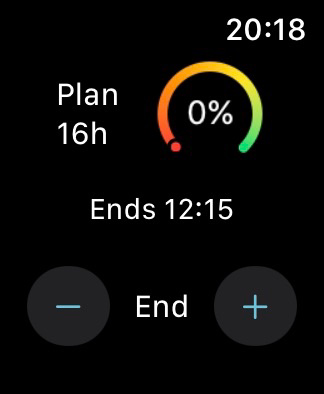
Check status while fasting and adjust end of fasting when needed.

While not fasting you can adjust the next start time when needed.

Check fasting status from the watch face.

Enjoy your meals!